
AI can help us bring our images to life.
Whether it’s an AI image generated with Midjourney or a selfie of ourselves, we can animate them with the AI tools I’m about to show you. These tools are free to use and it takes only a few minutes to animate images with them.
Here are my favorite 5 AI animation tools. We’ll see step-by-step instructions on how to use them.
1. RunwayML
Runway will help us turn an image like this
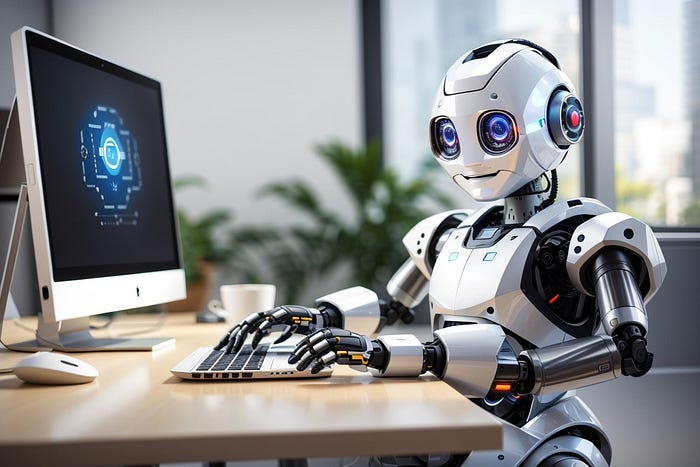
into an animation like this (if it’s not animated on the email, check it on our website)
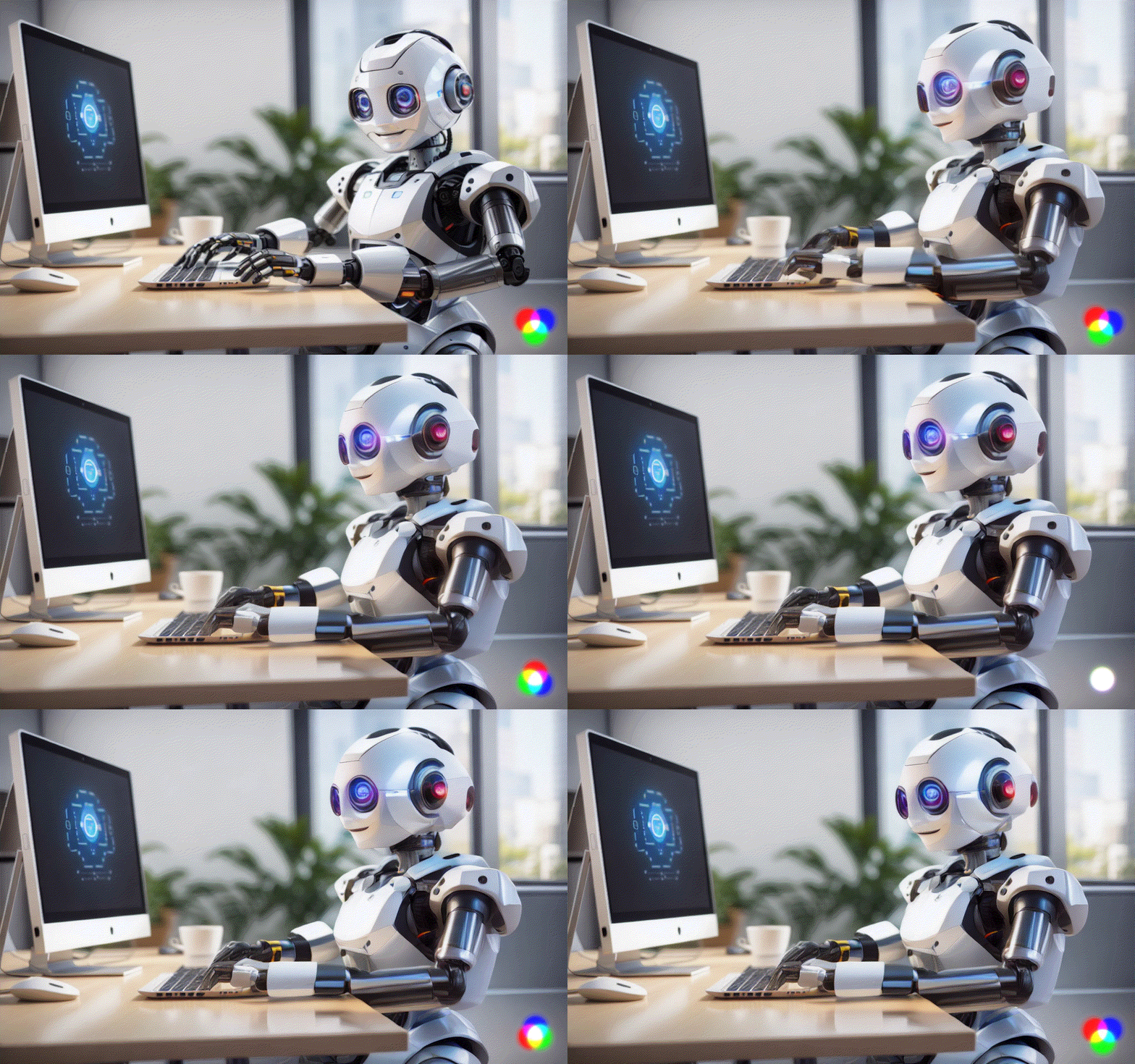
Here are the steps you need to follow.
Step 1: Go to RunawayML and click on “Try Runway for Free”

Step 2: Generate videos

Inside the ‘Generate Videos’ section, we have 3 options: video to video, Text/Image to Video, or Frame Interpolation. We’ll choose the second option.

Step 3: Upload an image
To upload an image, click on the icon below.

For this example, I’ll use this image.
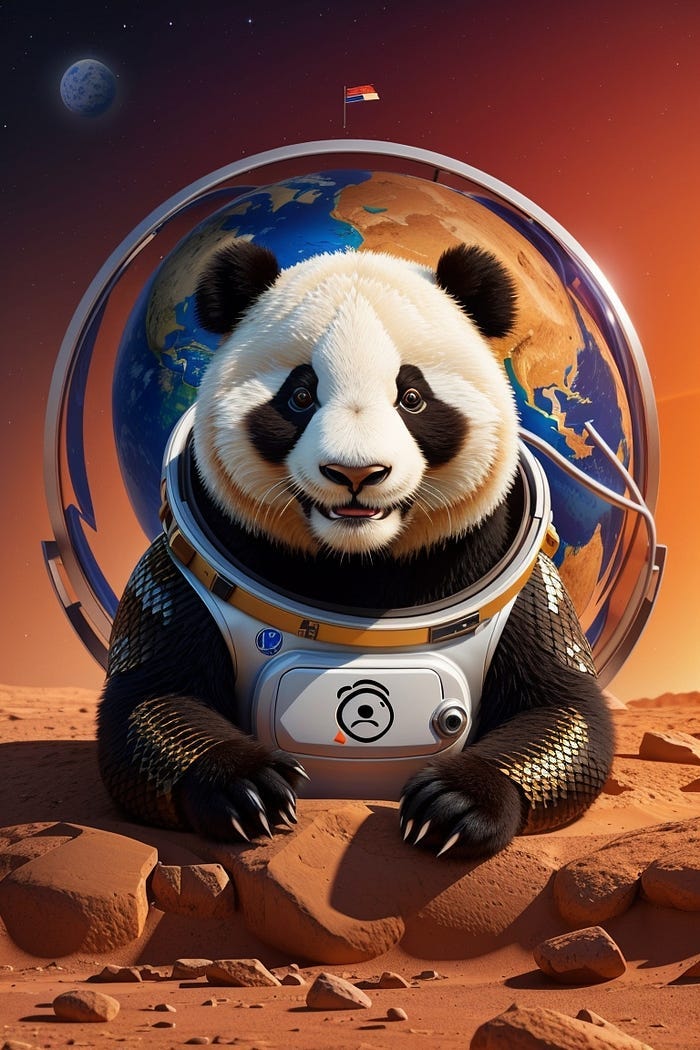
Step 4: Click on generate

Here’s the result I got.
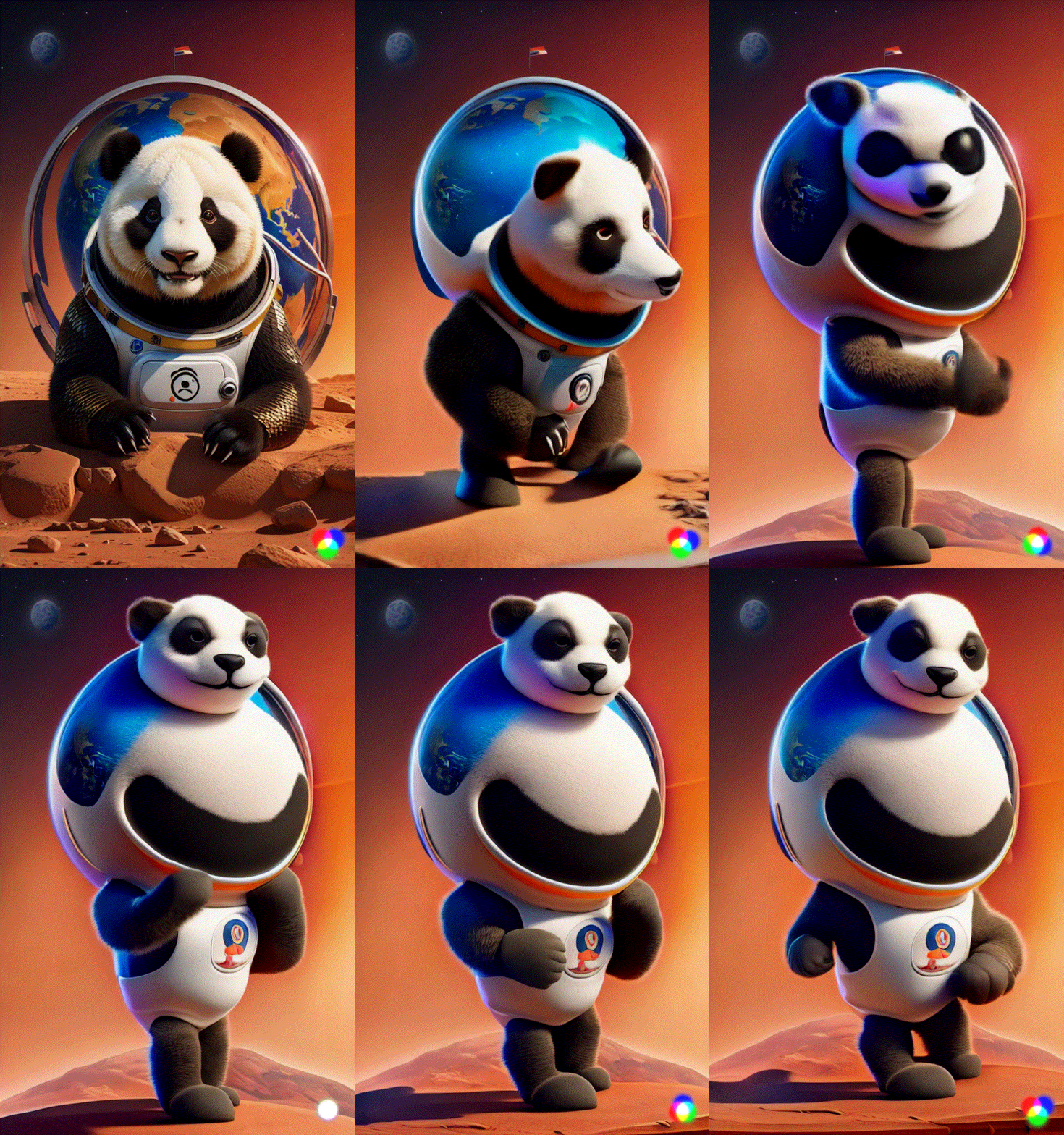
As you can see, images like the one above lack sense when they’re animated. RunwayML is a general-purpose AI animation tool and might produce cool animations like the first or odd animations like the second.
The following tools are specialized in certain types of images.