I used an AI tool to translate my videos into different languages while preserving the original voice and synchronizing lip movements accordingly.
The best part? You won’t sound like a robot.
The translations are also impressively accurate. I asked my friends who speak German, French, and Hindi about the translated videos. They said that while the intonation and pronunciation might be slightly unusual, it still sounds quite natural.
To show you how good this tool is, I’ve recorded several videos for you. You can judge them by yourself.
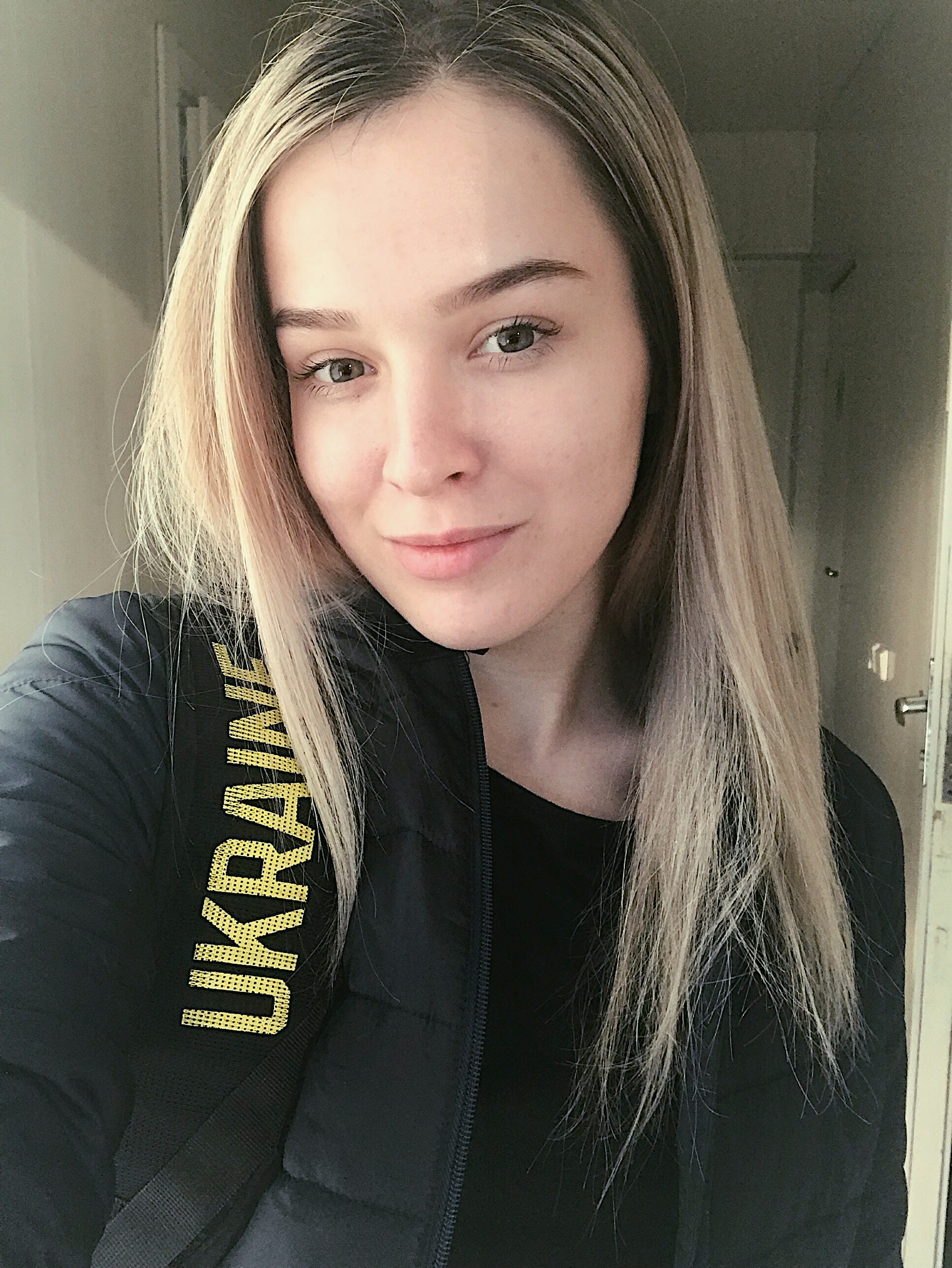
First, I recorded a video in English, so that you know how my original voice sounds (I didn’t use this tool for the video below).
Now that you have heard my original voice and seen my video for the first time … or more precisely, how nervous I am when shooting a video ;), you can compare my voice, intonation, and lip movements when translating the video into other languages.
Here’s a video I made that I translated to German. In case you’re not a German speaker, here’s what I say in the video.
🇩🇪🇦🇹
Now I’m speaking German with the help of an AI tool, although I can speak German, but not as fluently as I am right now with this AI tool. My family has been living here for more than 10 years, and they would be quite proud to see how well I can speak German in this video. Many people imagine the German language as somewhat rude, but it’s not like that. Moreover, German has many dialects that depend on the region people live in. The people here are well-educated, polite, and friendly. Almost everyone here also speaks fluent English, but they appreciate it when you make an effort to speak their language.
As I mentioned, I speak a bit of German, and my pronunciation is fairly similar. But what if we were to explore a completely different language, one that’s even more challenging to learn?
Let’s try Hindi.
🇮🇳
Now I speak Hindi, one of the most challenging languages. I have many colleagues and friends from India, and I will definitely show them this video. Indian people are some of the hardest workers and the most educated, in my opinion. They can learn anything quickly and perform any job perfectly. My colleagues sometimes work 10–12 hours without a break, while most people would be tired. And they do their jobs perfectly, absolutely perfectly. In university, they are often the first ones to understand how to complete a task. So, I find this language really useful. Even though they speak English, being able to speak at least a little bit of their language can be a valuable skill.
Now, I’ll try out one of the most melodious languages in the world. I want to hear how my voice will be in that language.
Let’s switch to French.
🇫🇷
This is my voice when I speak French. Cool, isn’t it? I have never learned French, even though it’s one of the most beautiful languages, associated with one of the most beautiful countries and stylish people. I visited Paris a few years ago, and it’s an amazing city with beautiful architecture and many people who dress elegantly. I will definitely come back someday and visit other cities
What do you think?
Of course, there might be a subtle difference from the original pronunciation, but let’s face it, everyone’s voice and intonation vary when speaking different languages. I have a completely different voice and intonation when I switch between English, German, Ukrainian, and Russian. But, I believe this AI tool has performed admirably.
How to translate your videos
First, keep in mind the input and output languages supported.
Input languages: English, Spanish, French, Chinese, German, Italian, Portuguese, Dutch, Hindi, and Japanese.
Output languages: English, Spanish, French, Hindi, Italian, German, Polish, Portuguese, Mandarin, Japanese, Dutch, Korean, and Turkish.
Also, make sure your video is between 30 seconds and 5 minutes, the resolution ranges from 480 x 480 pixels to 1920 x 1920 pixels, there’s clear visibility of one person’s face, adequate lighting, and absence of background noise.
All these details are crucial, as they contribute significantly to achieving a high-quality and authentic translation.
Now that the tech requirements are clear, go to the HeyGen website and register. They’re currently giving away some free credits to use. One credit equals one minute of videos translated.
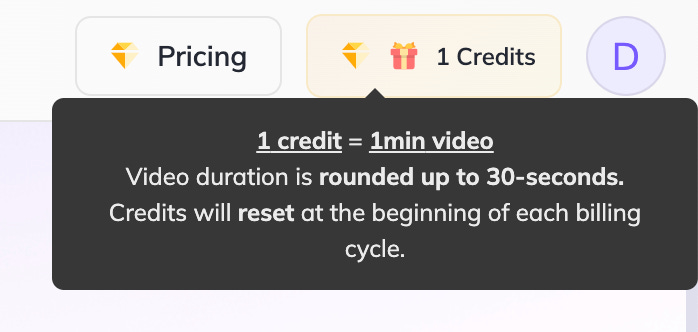
In case you want to get more credits, you can upgrade to the paid version starting at $29 per month with 15 credits per month.
Follow the steps below to get your video translated.
Step #1 Upload your video to the page or use the ‘drop to upload’ option.
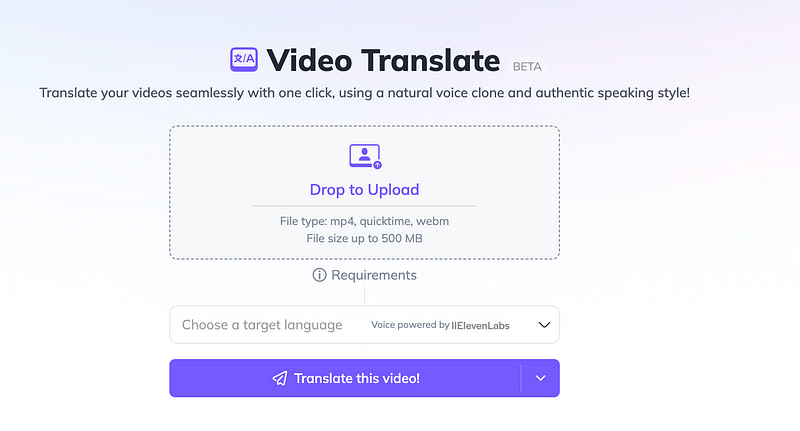
Step #2 Click on the language column below and choose your target language.
Step #3 Click on ‘Translate this video’
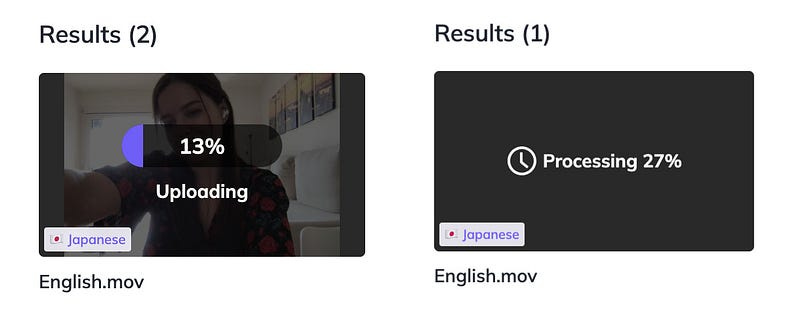
Now you need to wait. If you use the free credits, you won’t receive the video immediately. You’ll be in a line for video processing, and as soon as it’s your turn (on average within 20 hours), you can download your translated video. However, if you have a subscription, you’ll receive the video in less than 1 hour (this is up to the video length)
Bonus
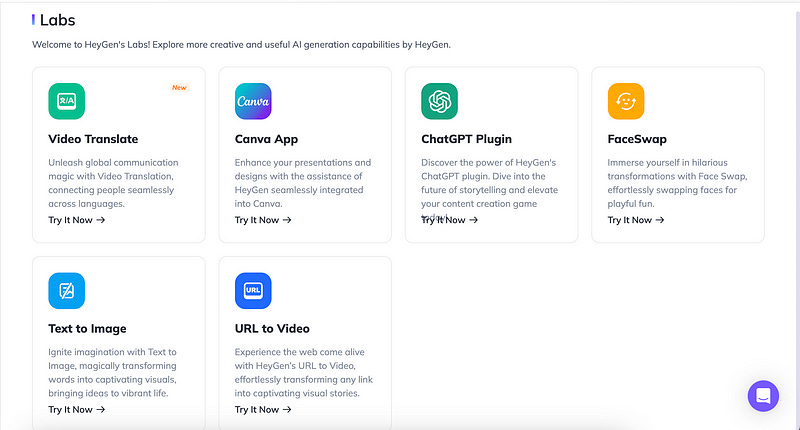
HeyGen not only offers capabilities for video and audio translation but can also be integrated with Canva, and ChatGPT, and has several other features. You can explore it further at this link.
That’s it! Subscribe for more.